01 / Practical Manufacturing AI · Interactive tool · v2.0
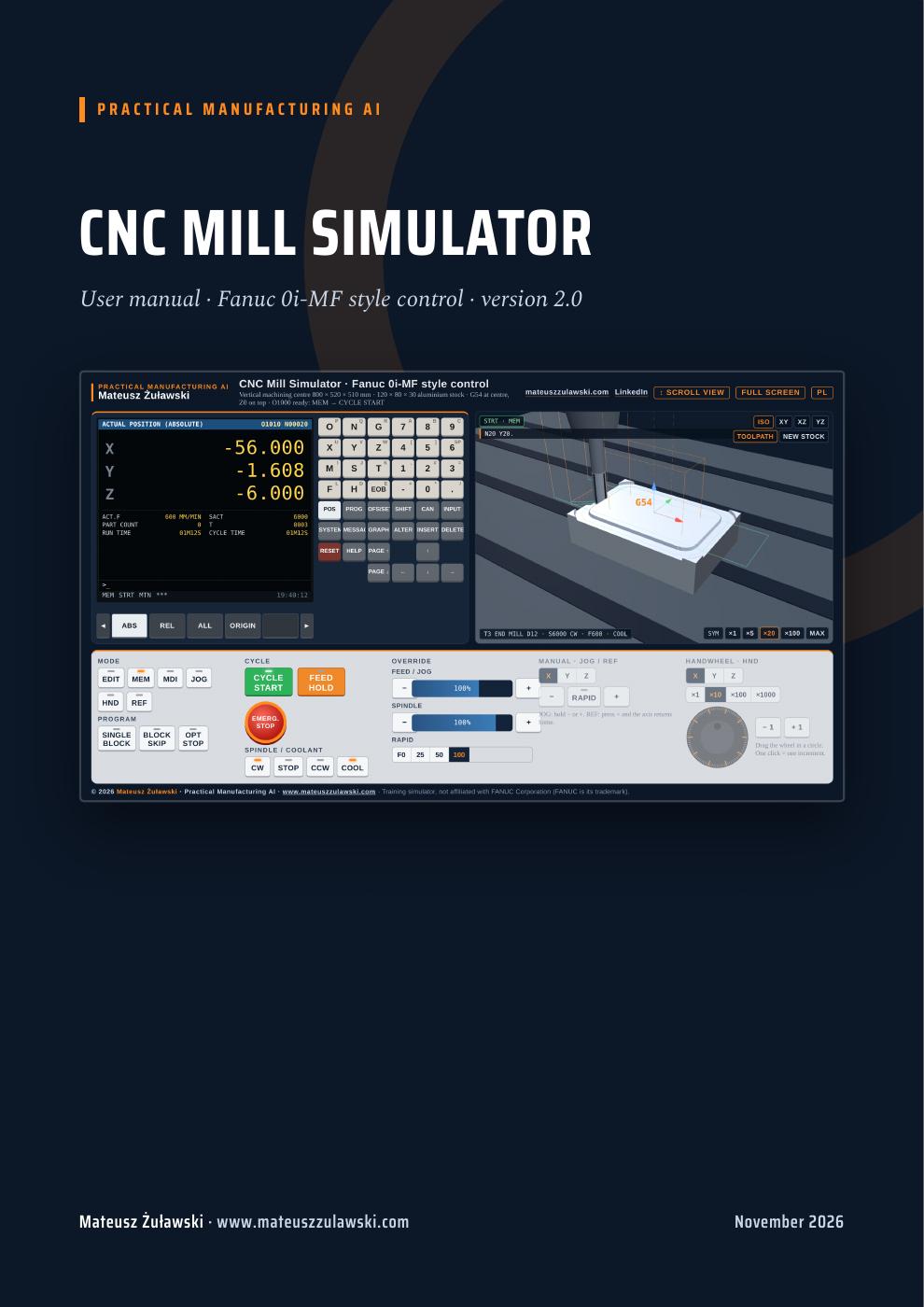
CNC Mill Simulator — Fanuc 0i-MF Style Control
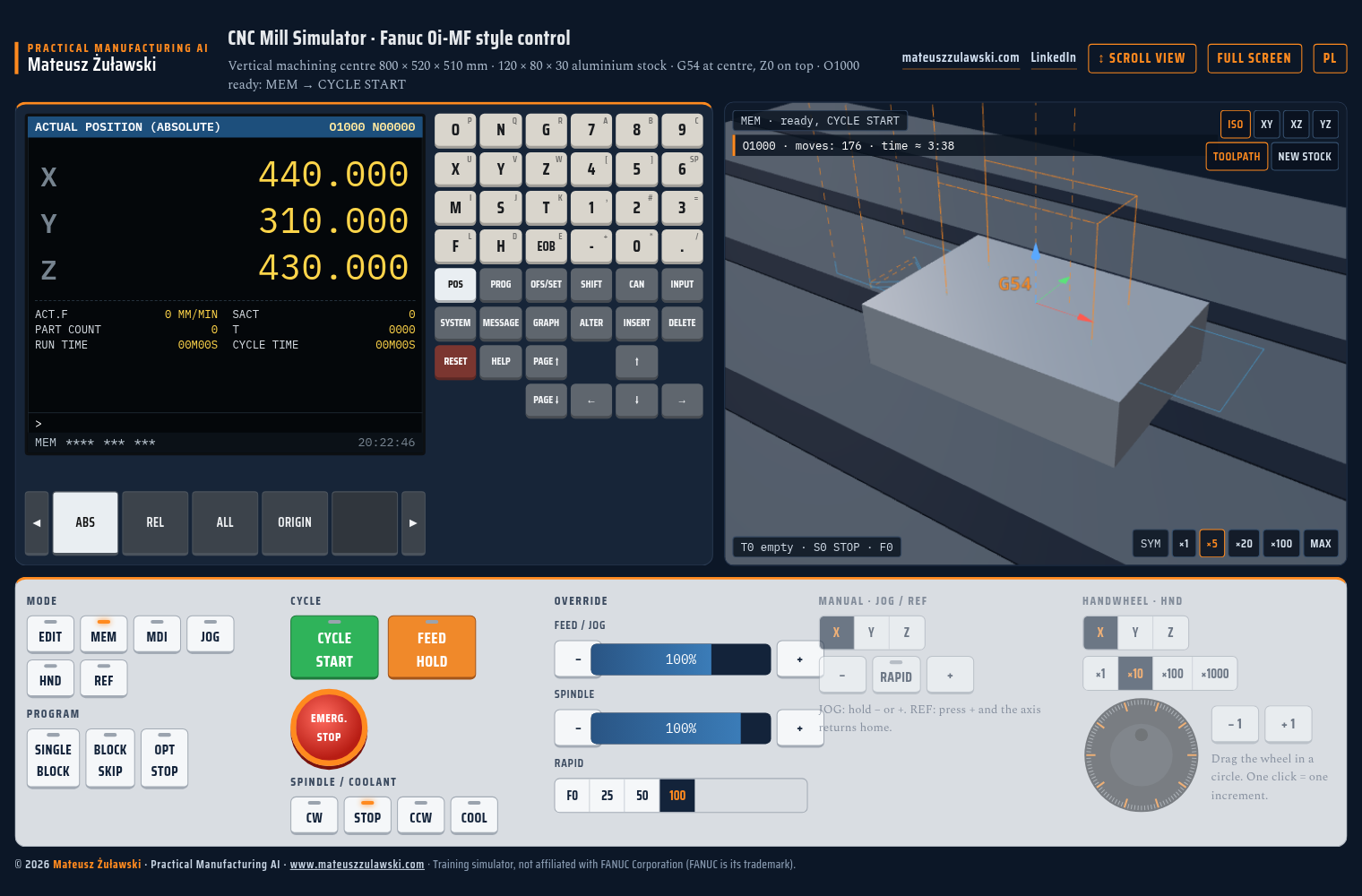
An interactive CNC training simulator that models a 3-axis vertical machining centre with a control inspired by Fanuc 0i-MF.
It combines a CNC control interface, MDI keypad, operator panel, G-code interpreter and interactive 3D machining environment.
Users can practise operating modes, work offsets, tool measurement, program execution and troubleshooting. They can observe material removal, machine positions, alarms and simulated collisions in a controlled virtual environment.
Online simulator
Capabilities
- 3-axis vertical machining centre · Fanuc 0i-MF style screens and soft keys
- MDI keypad, key-in buffer and EDIT / MEM / MDI / JOG / HND / REF modes
- Program editing, execution and G-code interpretation
- G54–G59 work coordinate systems, tool length and radius offsets
- Manual tool measurement and machine setup procedures
- Interactive 3D view, material removal and toolpath visualisation
- Simulated collisions, process errors, alarms and warnings
- Feed, spindle and rapid overrides
- SINGLE BLOCK, BLOCK SKIP and OPT STOP
- Machine configuration, browser data backup and EN/PL help
Who it is for
CNC operators and setters, people moving over from another control, students and instructors.
Quick start
- Open the simulator.
- Select MEM mode on the operator panel.
- Choose simulation speed ×5 or ×20.
- Press CYCLE START to run program O1000.
- Observe positions on the POS screen, the current block and material removal in the 3D view.
- Use FEED HOLD to pause, CYCLE START to resume and RESET to abort.
SINGLE BLOCK stops after each block. Each CYCLE START then executes one block.
CNC Mill Simulator — User Manual
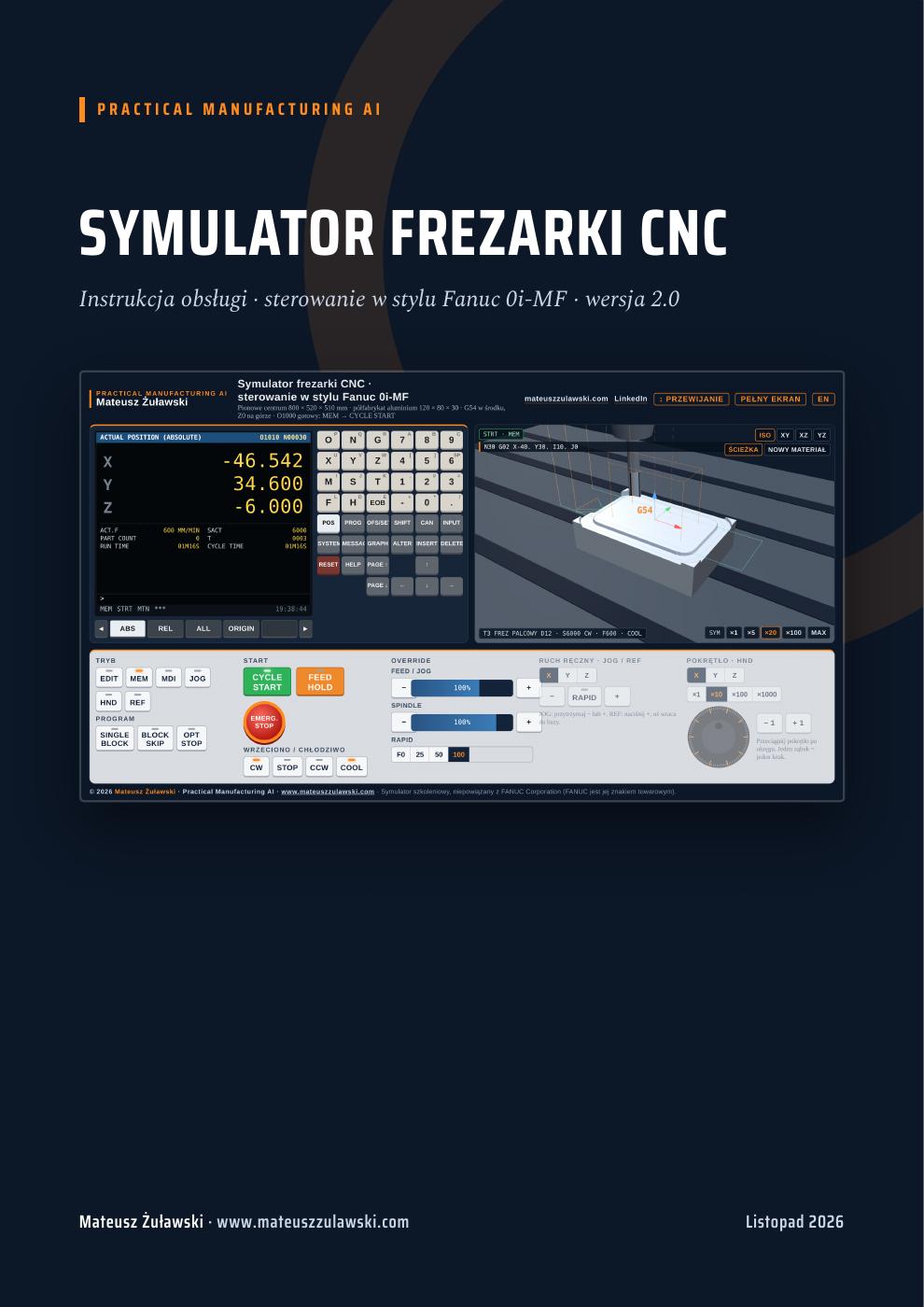
The complete original 20-page user manual, version 2.0. Both language editions remain available.
Manual chapters
Standalone offline version
Extract the complete ZIP, then open index.html and choose English or Polish. Three.js and OrbitControls are included locally; system fonts replace online fonts. Both original manuals and bilingual launch instructions are included. No internet or account is required for normal operation.
Download offline ZIP · EN + PLv2.0 · 6.80 MB
Direct file opening has been tested in desktop Chromium. If a browser or device blocks it, the README explains a local Python server for Windows and macOS/Linux. Mobile file access and full screen depend on the device. Browser data is separate from the website; use the simulator’s backup before clearing it.
Technical limitations and safety
- No additional axes or full industrial-control emulation. Macros (#, IF, WHILE, G65/G66) and several transformations are unsupported.
- Material removal uses a height map, not a full solid model. Cutter compensation and some cycles are simplified; consult chapter 15.
- Simulated collision and error detection never guarantees safety on a real machine. Control screens stay in English; help and simulator messages are localised.